
Productivity
January 14, 2025
The History of the Tally Counter: From 1800s to Today
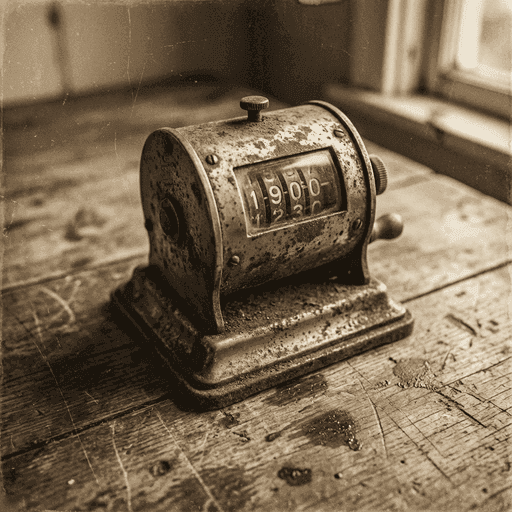
Who invented the clicker? Trace the surprising history of the tally counter, from counting sheep on farms to tracking radioactivity in labs.
Read Guide
A simple and precise Tap Counter for tracking counts, habits, or inventory. This online clicker works as a digital tally counter, BPM counter, and auto-clicker. Use it in full screen on iPhone, Android, or PC without downloading an app.
Click the large button or press spacebar to count. Replaces physical handheld counters and clicker devices for accurate tallying.
Find the tempo of music with the Tap BPM Counter feature or measure your clicks per second (CPS) automatically.
Experience a dedicated tap counter app feel. Enable full screen for large, easy-to-hit buttons on mobile phones and tablets.
Save your session with laps, undo mistakes, and track history. Perfect for knitting, fitness reps, or gate counting.
Perfect for bouncers, event planners, and stock managers. Use this digital tap counter to track attendance (headcount) or inventory items without carrying a physical clicker device.
Track your gym reps, laps run, or pitch counts. Our tap counter online works perfectly on mobile, acting as a lightweight alternative to a dedicated tap counter app or Apple Watch complication.
Never lose your place again. Use this tool as a digital stitch counter or row counter. The large tap button makes it easy to increment the count even while your hands are busy with needles.
Find the tempo of a song using it as a tap beat counter (BPM), or practice your clicking speed for rhythm games like Osu or Counter Strike with our rapid response interface.
Adjust start values, increments, and set target goals. Toggle sound effects and haptic feedback for a tactile experience.
Your count is stored locally on your device. No data is sent to servers, ensuring complete privacy and offline capability.
Power users can use the Spacebar or Enter key to tap, and dedicated keys to undo or reset, making it the perfect desktop click counter.
Measure your Clicks Per Second (CPS) by enabling the timer. See how fast you can tap in 10 seconds or 1 minute.
Musicians and gamers use our tap beat counter to practice consistent timing and improve rhythm stability.
Whether you are on an iPhone, iPad, Android phone, or Windows PC, our responsive design adapts perfectly to your screen.
Save storage space. Access this full-featured tool directly in your browser without installing suspicious apps or software.
FAQ
Deep dives into counting techniques, rhythm improvement, and productivity hacks.
Who invented the clicker? Trace the surprising history of the tally counter, from counting sheep on farms to tracking radioactivity in labs.
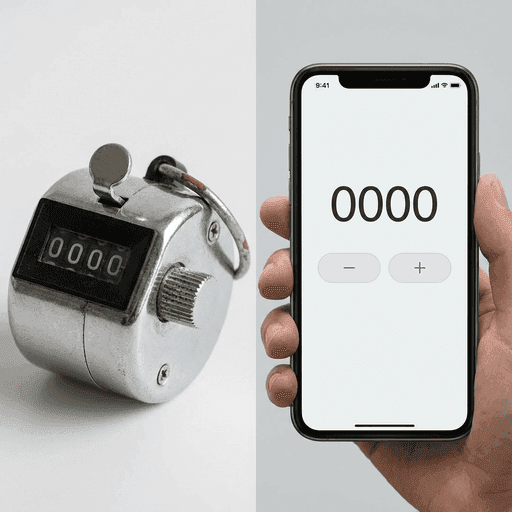
In the battle of the clicker, who wins? We break down the engineering, durability, battery life, and usability of mechanical clickers vs. smartphone apps.
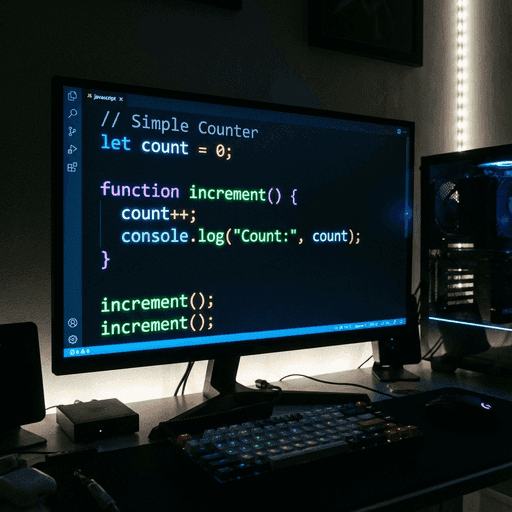
Want to learn to code? A Tap Counter is the perfect "Hello World" project. We break down the logic of building a simple clicker in HTML and JavaScript.